Worship Teams
Getting Started with Tracks in Your Church Plant
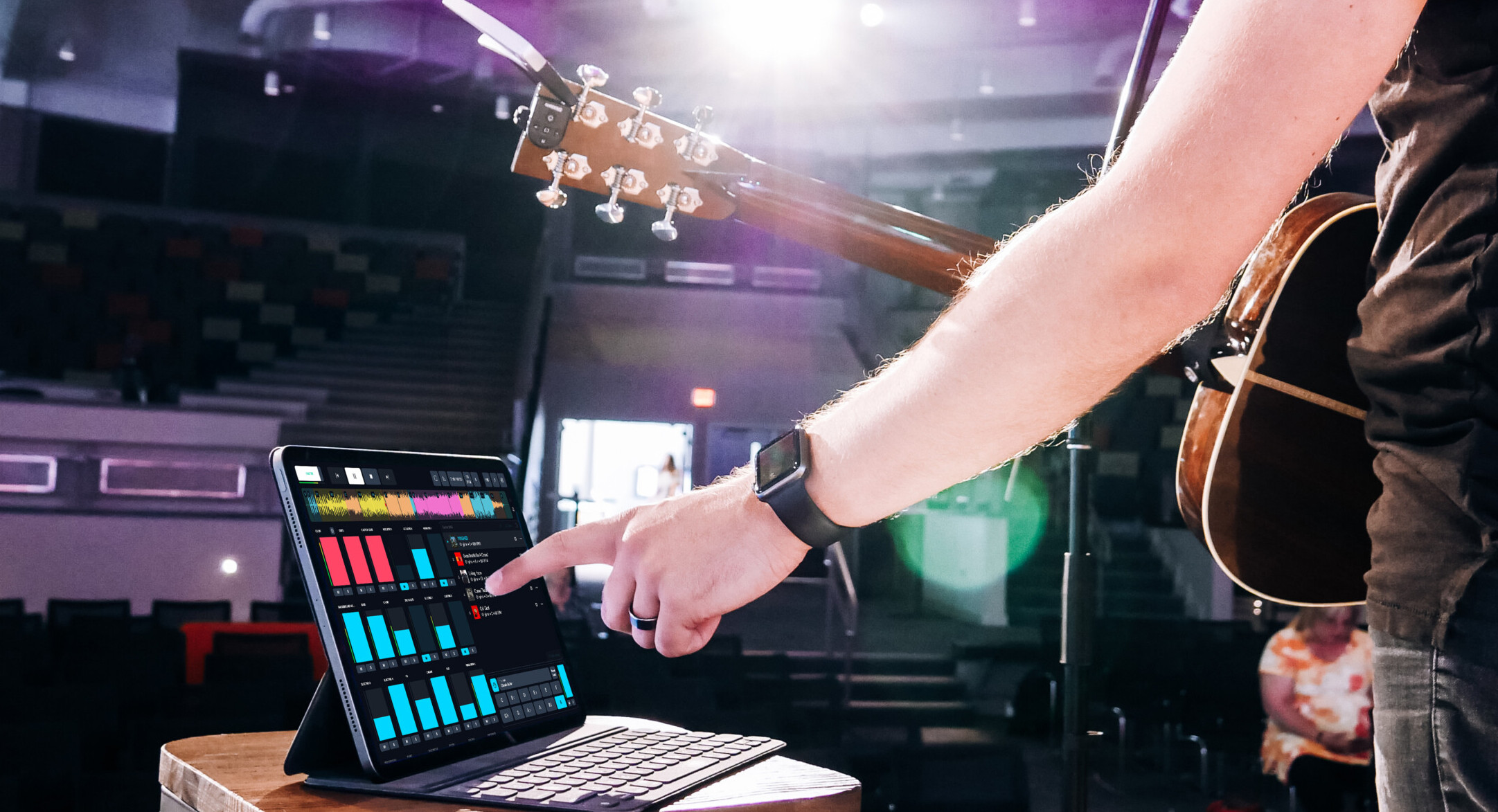
Launching a church plant is equal parts exciting and challenging. Every week feels a little like building the plane while flying it. New churches are often fueled by vision, passion, and a dedicated core team, but they also face practical obstacles. Budgets are tight. Volunteers wear multiple hats. Finding enough musicians can be difficult. And many church plants meet in spaces that were never designed for worship services.
That’s where tracks can become a valuable tool.
For many church plants, worship tracks provide a simple and affordable way to create a consistent worship experience while relieving some of the pressure that comes with building a worship ministry from the ground up. Used well, tracks can help a church plant overcome common challenges without sacrificing authenticity or congregational participation.
Whether you’re leading worship with a single acoustic guitar, meeting in a school cafeteria, or trying to stretch a limited budget, tracks can help fill the gaps while your team grows.
What are Tracks?
Tracks (also called multitracks, stems, or loops) are backing tracks that have each instrument or vocal separated so that you can customize them.
They can include separate tracks for acoustic guitar, piano, electric guitar, drums, bass, background vocals, and more. They also contain a Click track (metronome) and Cues track that guides you through the song.
The great part about being able to separate the different parts, is that you can customize it to fit your band. If your church plant only has an acoustic guitarist, you could add percussion, keys, and pad tracks to create a fuller sound. Adding just a few elements can fill the empty space in worship, and provide a better sound for your congregation to sing with.
Tracks are not meant to replace musicians or volunteers you already have. The goal is to enhance what you already have and create a fuller worship experience for your congregation.
Three Things You Need to Get Started
There are many ways that you can run tracks in worship. But it can get complicated, and expensive, quickly if you don’t know where to start.
Loop Community has different track types to fit any church, and a free app to run them.
Here are three things you need to get started:
1. The Tracks
Finding the right tracks you want to use at your church plant is important to make sure you’re successful. If you lead solo, you probably don’t want the full original Master Track from the album with 16+ instruments in it. That can cause a “karaoke” feel that many worship leaders don’t want.
At Loop Community, we offer five different track types. If you’re a church plant just getting started, we recommend checking out Lite Tracks.
Lite Tracks are designed for small worship teams, worship leaders who lead solo, or churches who have no vocalists or musicians at all.
Each Lite Track contains an acoustic guitar, piano, lead vocal, a percussion element, and a pad, the click, and the cues. Some contain a few other instruments as well.
You can purchase these individually on Loop Community for $4.99 / track, or you can subscribe to TrackSelect Lite for $10 / month and get unlimited Lite Tracks in our free app Prime.
If Lite Tracks aren’t enough for you, check out our other track types here.
2. Running the Tracks
Now that you have the tracks you need, you need to figure out how you want to run them. There are many advanced softwares for running tracks, and years ago these used to be the standard. But now there are easier ways, including the Prime MultiTrack App.
Prime was created by worship leaders, for worship leaders. This app will give you everything you need to run your tracks in worship.
You can change the key, tempo, mute instruments you don’t need, customize the arrangement, add transitions, repeat sections, and more. All for free in the app.
Prime is available for iPad, Mac, and iPhone. If you don’t have an Apple device at your church, look into used or refurbished iPads. Any iPad that can run iOS 16 or higher will work with the latest version of Prime, and they can usually be found for great discounts.
To dive deeper and learn how to use Prime, check out this video.
3. Simple Audio Routing
Now that you have the tracks and the Prime App to run them, how are you going to get the audio to your sound system? What if you don’t have a sound system at your church plant?
If your church has in-ear monitors, you’ve already crossed a big hurdle. This allows you to send the click and cues track to your team’s in-ears, so that they can follow along to the tracks.
With in-ears, the easiest way to get started would be to use a Stereo Breakout cable, into two direct boxes, into two XLR cables. Then, plug the XLR with the track audio into either your sound system, or the speakers you plan to use for audio. Then plug the other XLR cable into your in-ear monitor system.
If you don’t have in-ear monitors, don’t worry! You can still use tracks. The important part is that you can follow along to the click so you stay in time.
You can do this with the same setup above, but instead of plugging into an in-ear monitor system, plug into a two-channel mixer, and then connect headphones to the mixer so you can hear the click. If you have a drummer, they can have the click so they stay in time.
Watch this video to see the full setup.
Start Slow
Many worship teams are resistant to using tracks at first. It’s important to explain why you’re using tracks in the first place. They aren’t replacing them. It’s to help them lead worship confidently and effectively.
Many volunteers have never played with a click track before. Some may be relatively new musicians. Others may be serving in worship ministry for the first time.
Don’t feel like you have to introduce every feature at once. Many churches start by simply using the click track. Introduce using a click track at a rehearsal, and then you could have your team download the Prime App at home so they can practice with a click.
As confidence increases, you can introduce additional elements such as percussion, pads, and synths to fill out your sound.
Handling Specific Church Plant Challenges when Running Tracks
If your church plant sets up and tears down every week in a gymnasium, school, community center, or anywhere else, using the Prime App and a simple audio routing setup is a great way to run tracks. It’s portable and only takes a couple minutes to set up. You can also download your tracks at home, so you don’t need internet access while using Prime once the tracks are downloaded.
If a small budget is your main concern, Prime is a free app and you can use the TrackSelect Lite plan to get all of the tracks you need for $10 / month.
At Loop Community, we believe that using tracks should not cost you hours of your week. Especially when you have so much on your plate with your church plant.
Whether you’re leading worship alone or building a team from the ground up, simple tools like Lite Tracks and Prime can help you lead with confidence and focus on what matters most: helping people encounter Jesus through worship.
If you have any other questions about getting started with your specific situation at your church, email us at support@loopcommunity.com and our team will be happy to help!